

How to Set Brake Gain Properly: A Safe Step-by-Step Test-Run Method
Brake gain is one of the most important settings on your Elecbrakes brake controller and getting it right is one of the easiest ways to make towing feel calm, smooth, and safe.
Set it too low and the trailer can push the tow vehicle – especially when you brake harder. Set it too high and the trailer can grab or lock up. Excessive gain can increase the risk of trailer instability or jackknifing during hard braking.
The key to setting the right brake gain is running a simple, controlled test so you can fine-tune it with confidence.
How to set brake gain properly: the test-run checklist
- Start in a quiet, flat area and do your first tests at 20-30 km/h.
- Begin at a mid-range gain (around 40% or ‘5’ setting depending on your system).
- Do a gentle stop, then a firmer stop – feel for grabby braking (too high) or pushing (too low).
- Adjust in small increments until stops feel balanced and straight.
- Re-check and fine-tune whenever your load changes (running light vs fully loaded).
What is brake gain?
Brake gain controls how hard your trailer brakes work when you brake.
It affects whether braking feels:
- Smooth and shared – ideal
- Grabby or jerky – gain too high
- Heavy and pushy – gain too low
Brake gain adjustment helps match trailer braking to your caravan’s weight, brake condition, and road surface so the whole rig slows down in sync.
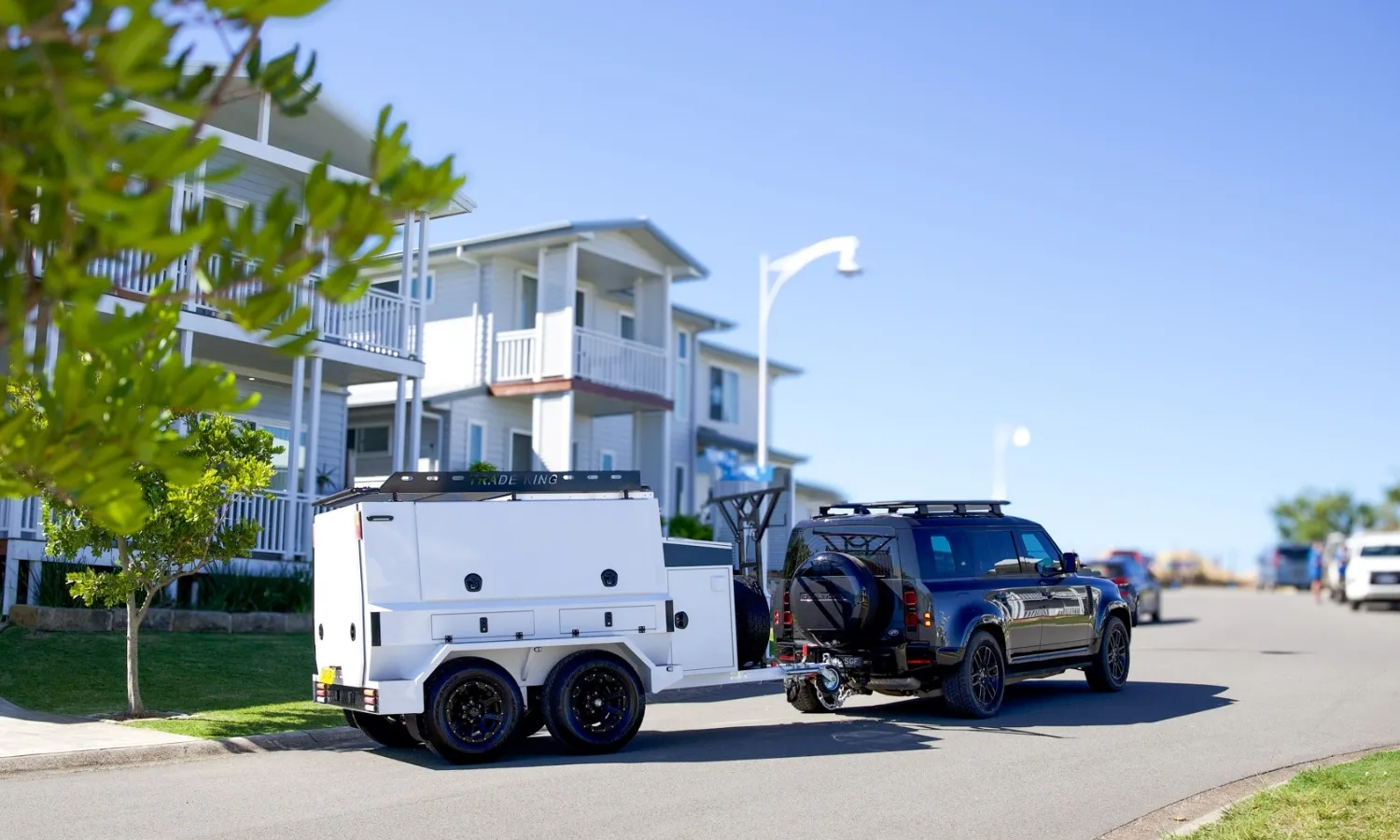
Adjusting brake gain on an Elecbrakes brake controller
On Elecbrakes brake controllers, what most drivers refer to as “gain” is adjusted using the Forward Response setting.
The default setting on Program 1 for Forward Response is 40%, then fine-tune from there using your low-speed test stops.
- If the trailer feels pushy, increase Forward % slightly.
- If braking feels grabby or harsh, reduce Forward % slightly.
Elecbrakes also allows you to adjust:
- Minimum % – low-speed or light brake response
- Reverse % – braking sensitivity when reversing
- Override % – trailer-only braking when using Manual Override
Both the EB2 Trailer-Mounted Brake Controller and VM1 Vehicle-Mounted Brake Controller feature five user-defined braking programs, so you can switch between light and heavy load settings, or different road conditions, without starting from scratch.
You can activate Manual Override via the Elecbrakes app, Apple CarPlay, Android Auto, or the EBR remote, and monitor braking output in the app under Data > Outputs.
Manual Override lets you apply the trailer brakes independently of the tow vehicle, giving you direct control if you need to steady the trailer or manage braking response in specific situations.
Elecbrakes EB2 and VM1 brake controllers include built in SwayControl technology, which automatically detects trailer sway and applies corrective braking to stabilise the trailer. Because this response happens automatically, most drivers rarely need to use Manual Override to mitigate sway. However, the feature remains available whenever manual control is required.
Where to do your first test run
The best place to set brake gain is somewhere you can do repeated, low-speed stops without pressure.
Look for:
- A quiet industrial street outside peak hours
- A large, empty carpark
- A wide, flat service road with low traffic
Avoid:
- Steep hills
- Wet grass or gravel for your first run
- Busy roads where you’ll feel rushed
Safety note: keep your speeds low and leave plenty of room. You’re tuning for control, not testing limits.
Run a simple test – stop and feel what happens
The fastest way to dial gain in is to run two controlled test stops and pay close attention to how the rig feels under braking.
Step 1 – Gentle stop
- Accelerate to 20-30 km/h
- Apply the brakes smoothly and lightly
- Notice how the trailer responds
At this stage, braking should feel smooth and controlled – not sharp, delayed, or uneven.
If the trailer feels like it reacts suddenly or tugs back, gain may be too high. If it feels slow to respond, gain may be too low.
Step 2 – Firmer stop
- Repeat at the same speed
- Brake more firmly
- Keep the rig straight and stable
Now assess the feel:
- Does the trailer slow in sync with the vehicle?
- Does it feel like it’s pushing forward? (gain too low)
- Does it feel like it’s grabbing or tugging back? (gain too high)
You’re aiming for braking that feels smooth and controlled – where the vehicle and trailer slow down together as one unit.
Make small adjustments to gain and repeat the same test until the stop feels smooth and controlled.
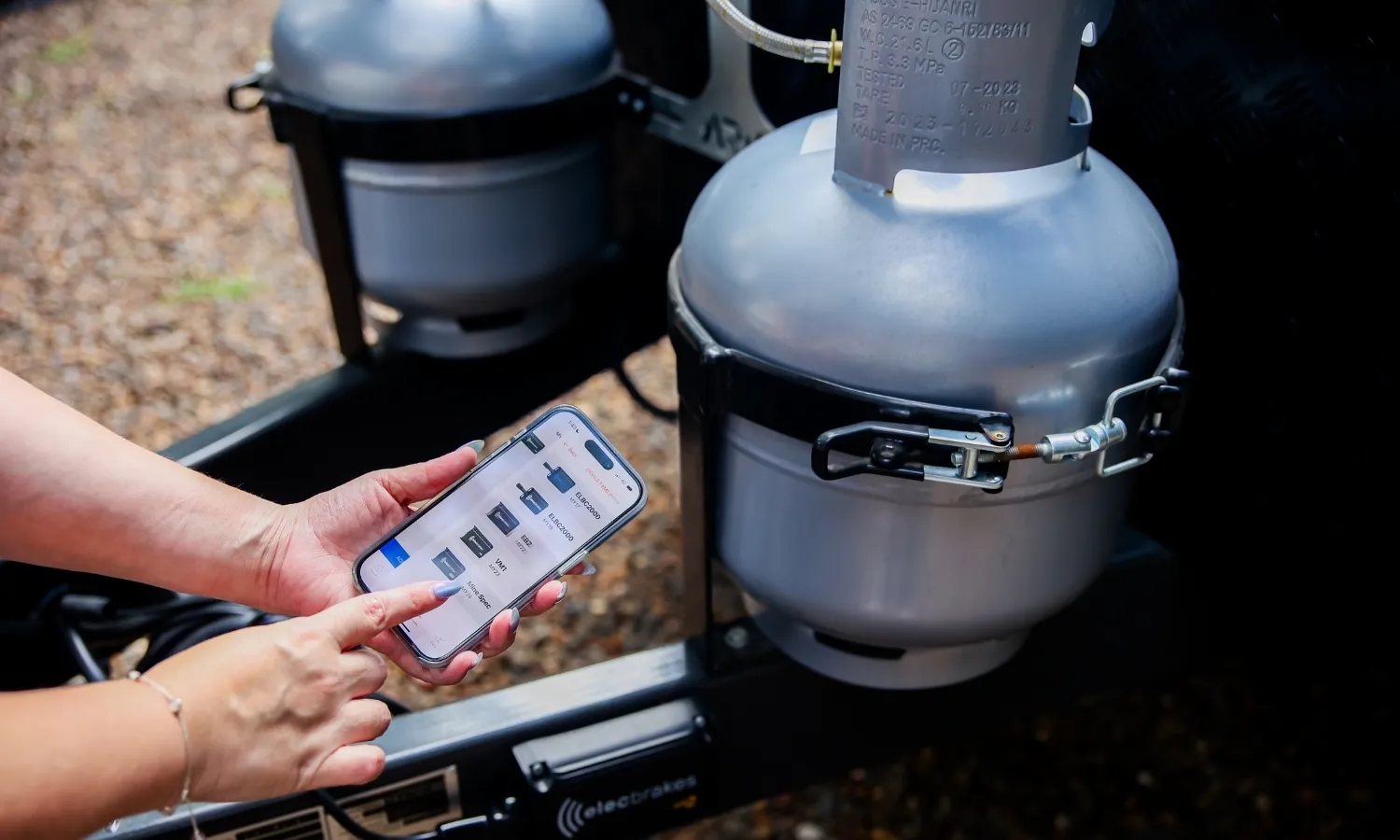
When to adjust gain up or down – what to look and feel for
You’ll know you’re in the sweet spot when stops feel controlled, smooth, and shared.
| What you feel | What it usually means | What to do |
|---|---|---|
| Trailer feels like it’s pushing the car | Gain too low | Increase gain and re-test |
| Tow vehicle feels like it’s doing all the work | Gain too low | Increase gain and re-test |
| Braking feels jerky or “grabby” | Gain too high | Reduce gain and re-test |
| Trailer wheels lock up easily | Gain too high | Reduce gain and re-test |
| Stops feel smooth and proportional | Ideal | Fine-tune in small steps whenever your load changes. |
Make small changes so you don’t overshoot. A good rule is about 5% at a time, then repeat the same low-speed test stop.
How to fine-tune brake gain for heavy vs light loads
The correct brake gain setting for a trailer or caravan changes when your load changes. If your load shifts your tow ball weight, it will also affect how your trailer responds under braking.
When you’re running light
You’ll usually need less gain, because the trailer needs less force to slow down.
Common signs you’ve got too much gain when light:
- Trailer braking feels sharp
- Wheels want to lock sooner
- Stops feel twitchy
When you’re fully loaded
You’ll usually need more gain, because the trailer needs more braking effort to match the tow vehicle.
Common signs you need more gain when heavy:
- Trailer pushes forward during braking
- Stops feel long and heavy
- Tow vehicle brakes feel overworked
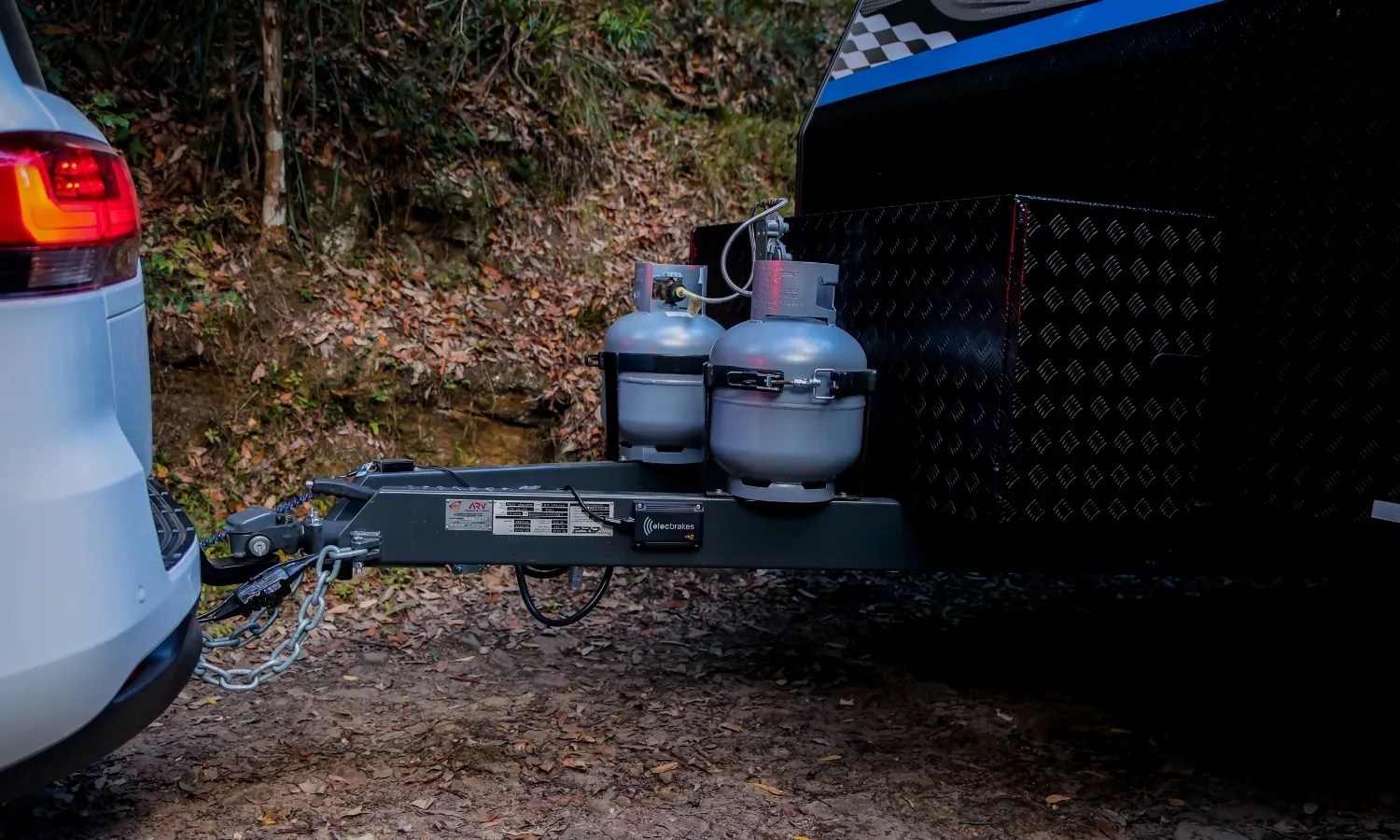
Signs you’ve nailed your brake gain setting
You’ve got brake gain dialled in when:
- Stops feel smooth, not grabby
- The trailer stays aligned with the tow vehicle under braking
- The trailer doesn’t feel like it’s pushing the tow vehicle
- Braking effort feels shared, not all on the tow vehicle
- You can brake progressively from light to firm without sudden changes in trailer behaviour
A good setup should feel predictable, calm, and controlled.
Frequently asked questions
What is brake gain on a brake controller?
Brake gain is the setting that controls how strongly the trailer brakes respond during a braking event, helping the trailer slow in sync with the tow vehicle. On Elecbrakes brake controllers, this function is adjusted using the Forward Response setting, which determines how quickly and firmly braking force is applied to the trailer.
How do I know if my brake gain is set too high?
If braking feels grabby or jerky, or the trailer wheels lock up easily, your gain is likely too high and should be reduced in small steps.
How do I know if my brake gain is set too low?
If the trailer feels like it’s pushing the tow vehicle during braking, or stops feel long and heavy, your gain is likely too low and should be increased.
Can I adjust brake gain while driving?
For safety, brake controller settings should be adjusted when the vehicle is stationary. On Elecbrakes controllers, user-defined program adjustments made via the app or EBR remote should only be changed once the vehicle has come to a complete stop.
What is the correct brake gain setting for a caravan?
There isn’t one universal number. The correct setting depends on factors such as the number of braked axles on the caravan, the efficiency of the trailer brakes, and the load being towed.
How do I set brake gain on an Elecbrakes controller?
On Elecbrakes, gain is the Forward % setting. Choose a program, do low-speed test stops (20-30 km/h), then adjust Forward % in small increments until braking is smooth and balanced.